Technical specs
What it runs on, and what it looks like.
The requirements and components behind SOVEREIGN, followed by screenshots from the current beta.
Specifications
System requirements and stack.
| Area | Detail |
|---|---|
| Operating system | Windows 10 and Windows 11, 64-bit |
| Application | .NET desktop application, installed and run locally |
| Browser automation | Microsoft Playwright, with browser contexts leased from a local pool |
| Code verification | Generated scripts are checked with Roslyn (Microsoft.CodeAnalysis) |
| Risk model | ML.NET FastTree binary classifier, trained on your machine |
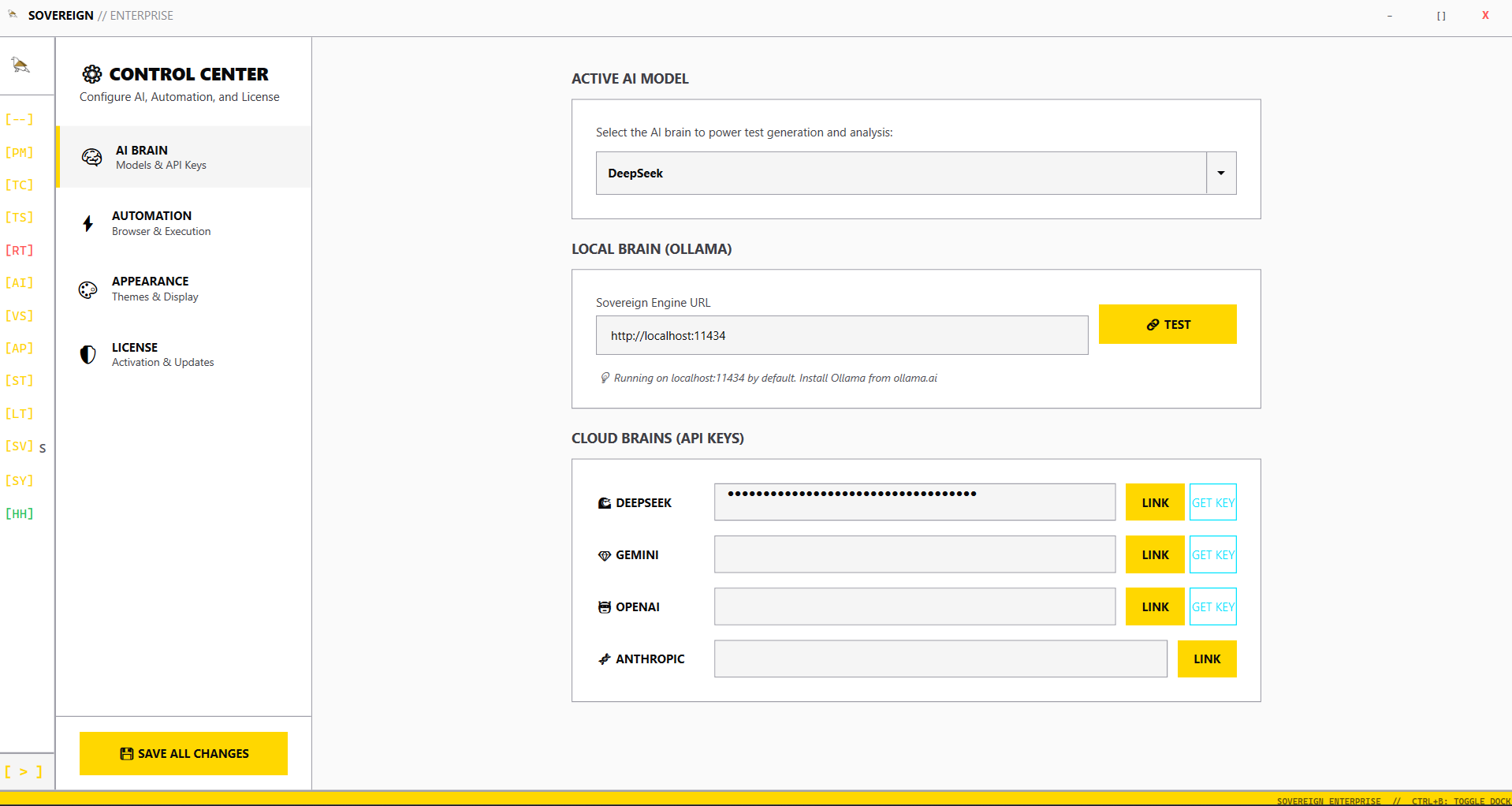
| AI providers | Bring your own key for OpenAI, Gemini or DeepSeek, or a local model through Ollama on localhost:11434. Failover between providers and response caching. |
| Encryption at rest | Windows DPAPI for settings, stored secrets, licence data and git credentials |
| Version control | Git through LibGit2Sharp. Test cases are saved as Markdown with YAML front matter. |
| Command line | --suite-file, --headless and --parallel for running suites in CI |
| Security scanning | Blind injection and DOM-based cross-site scripting detection, spider, passive scanner and request repeater |
| Outbound connections | Optional calls to the AI provider whose key you supply, a one-time licence activation (licence key and machine fingerprint), and an update check to GitHub on launch |
| Account and telemetry | No hyenai account. Usage logs are written to local disk and never uploaded. |
| Certifications | SOVEREIGN does not hold SOC 2 or ISO 27001 certification. |
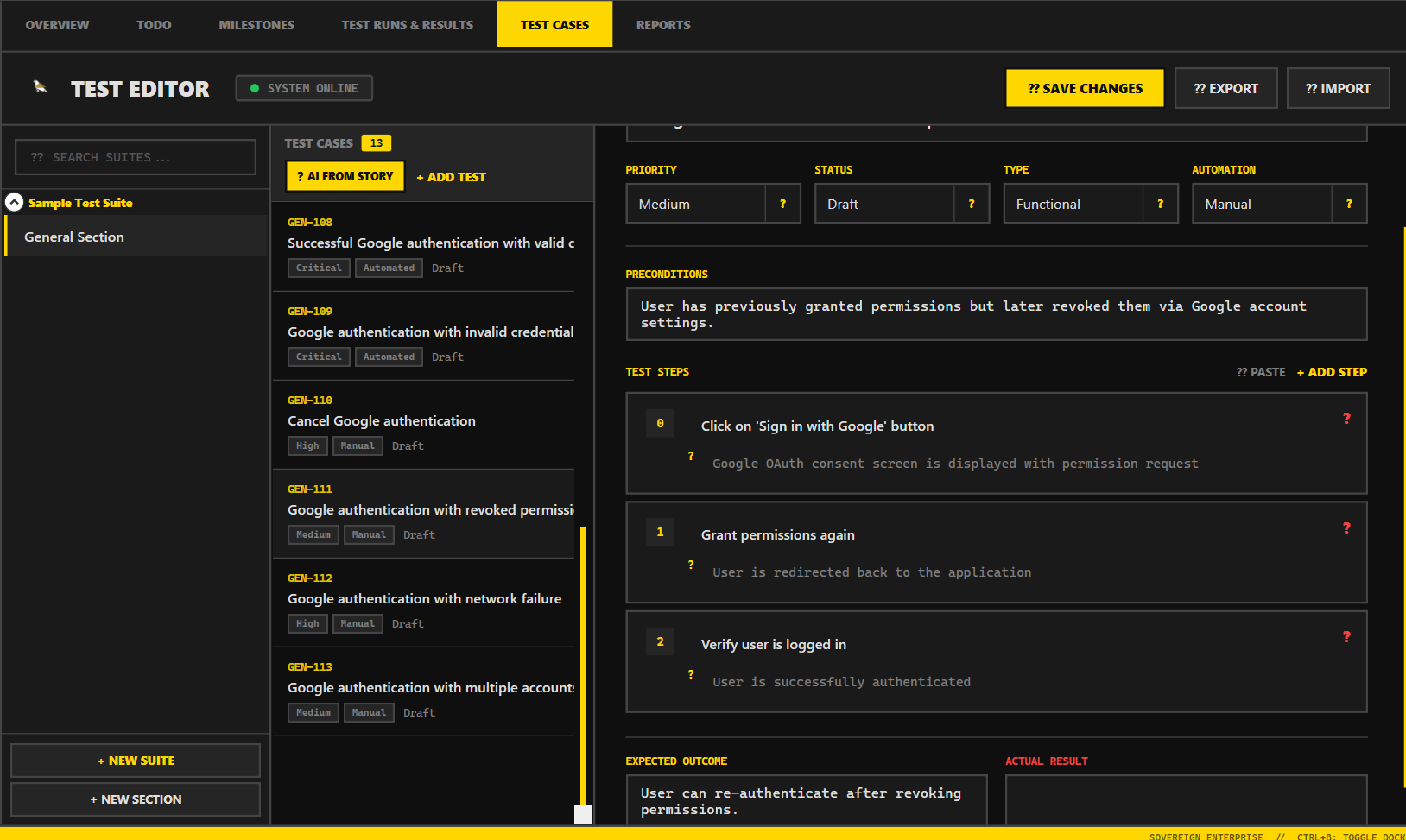
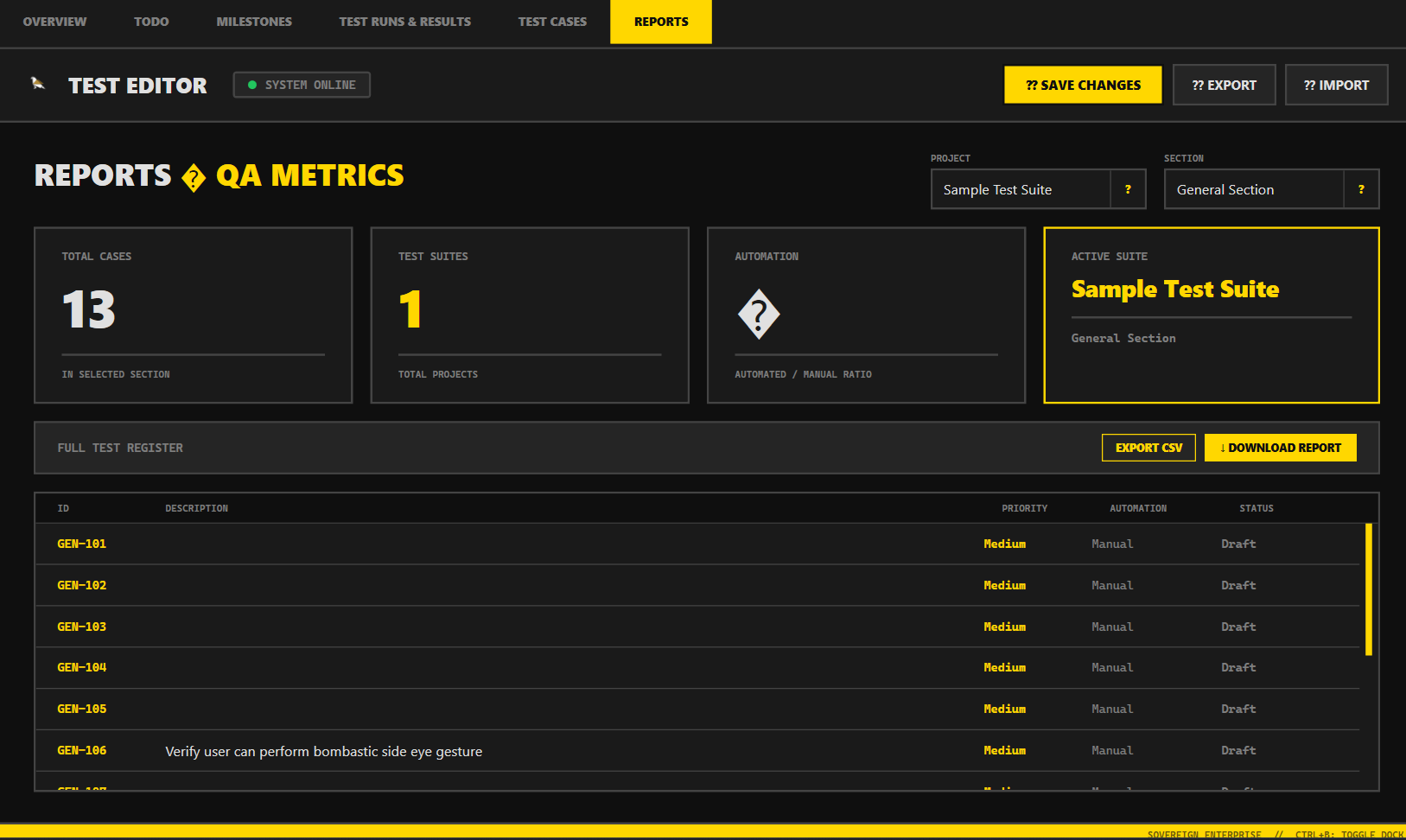
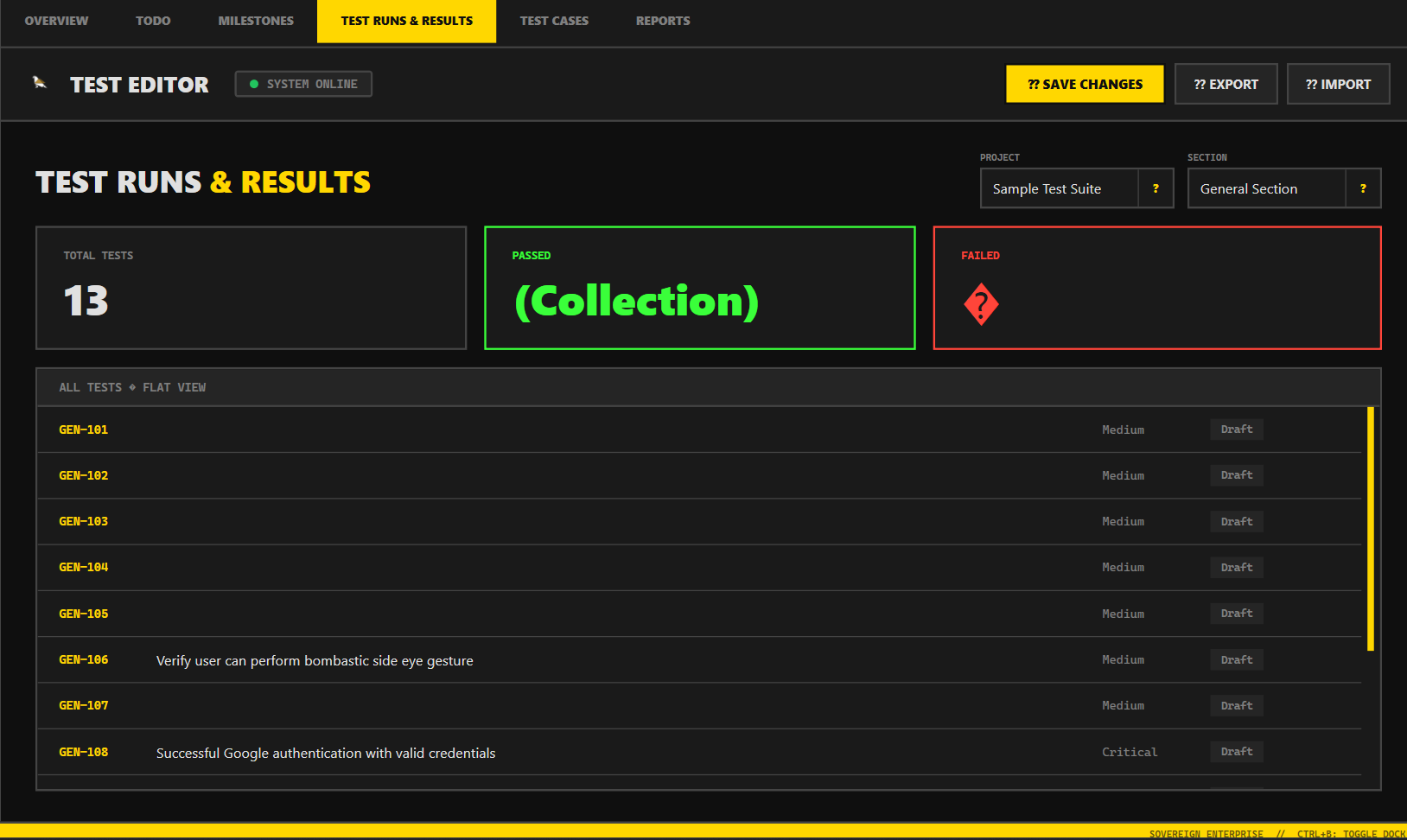
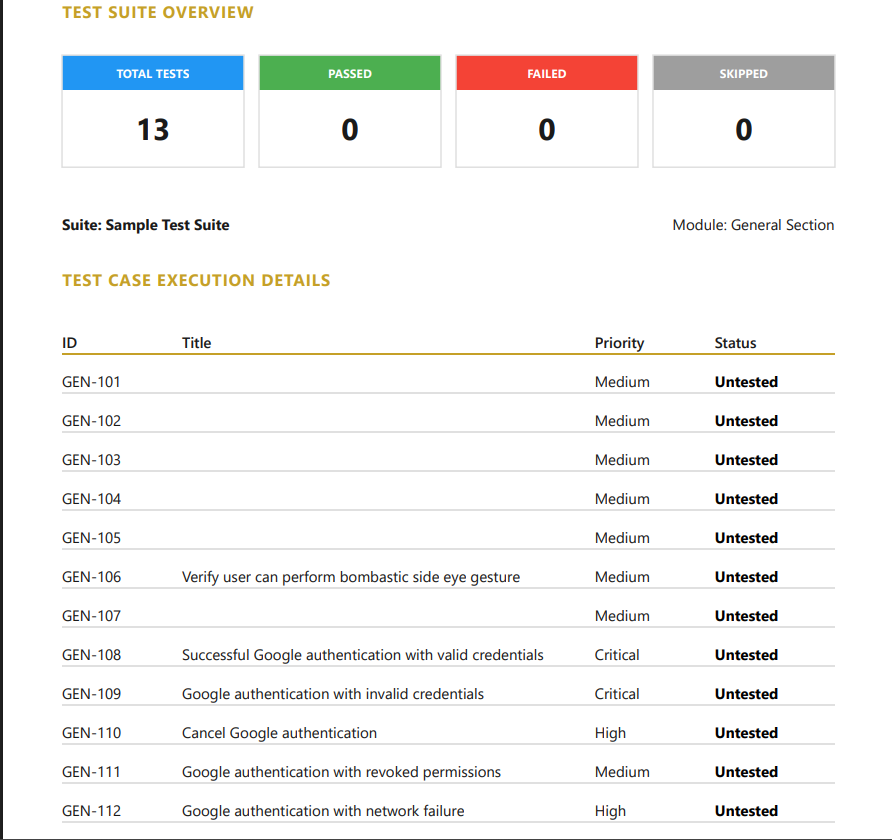
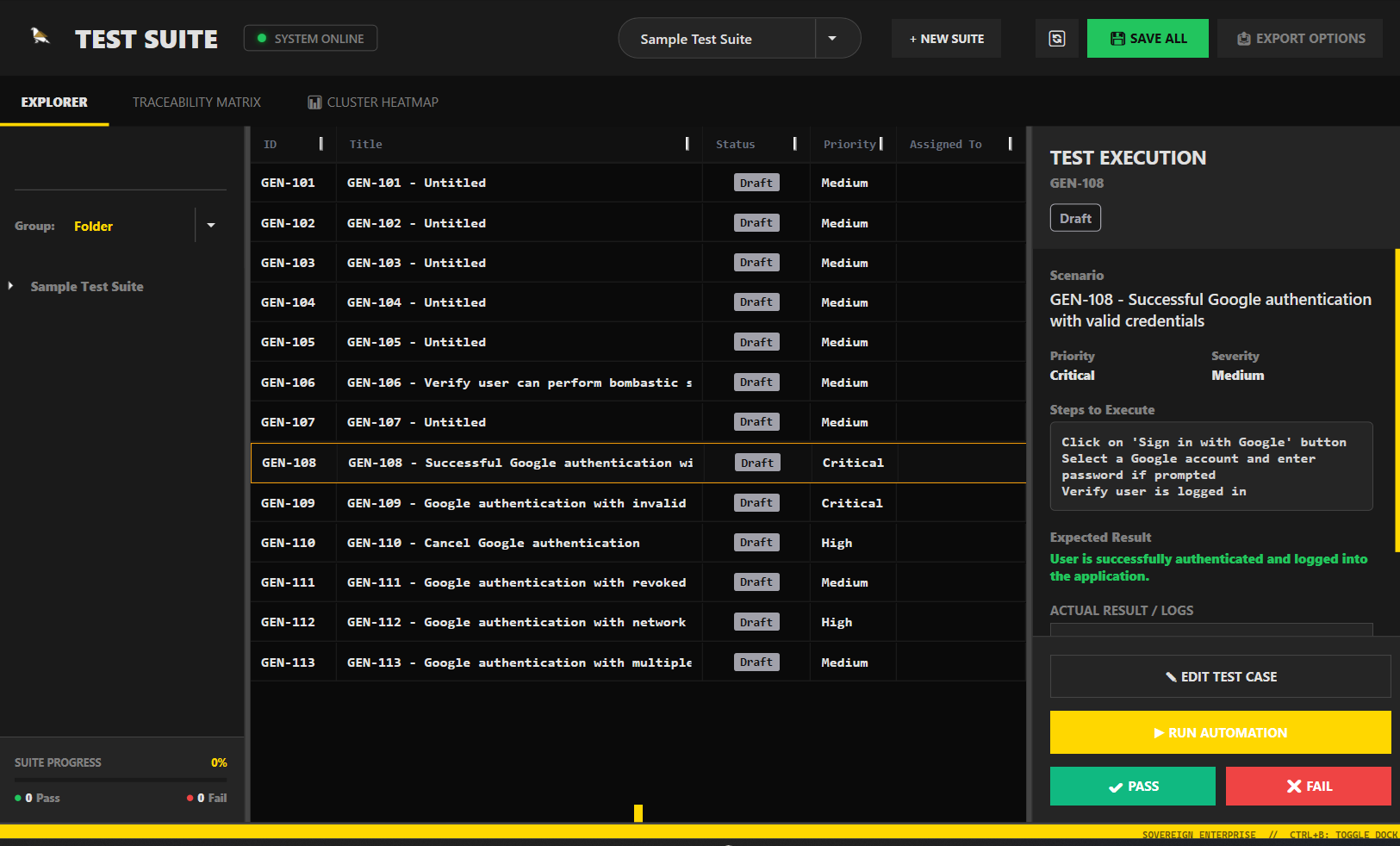
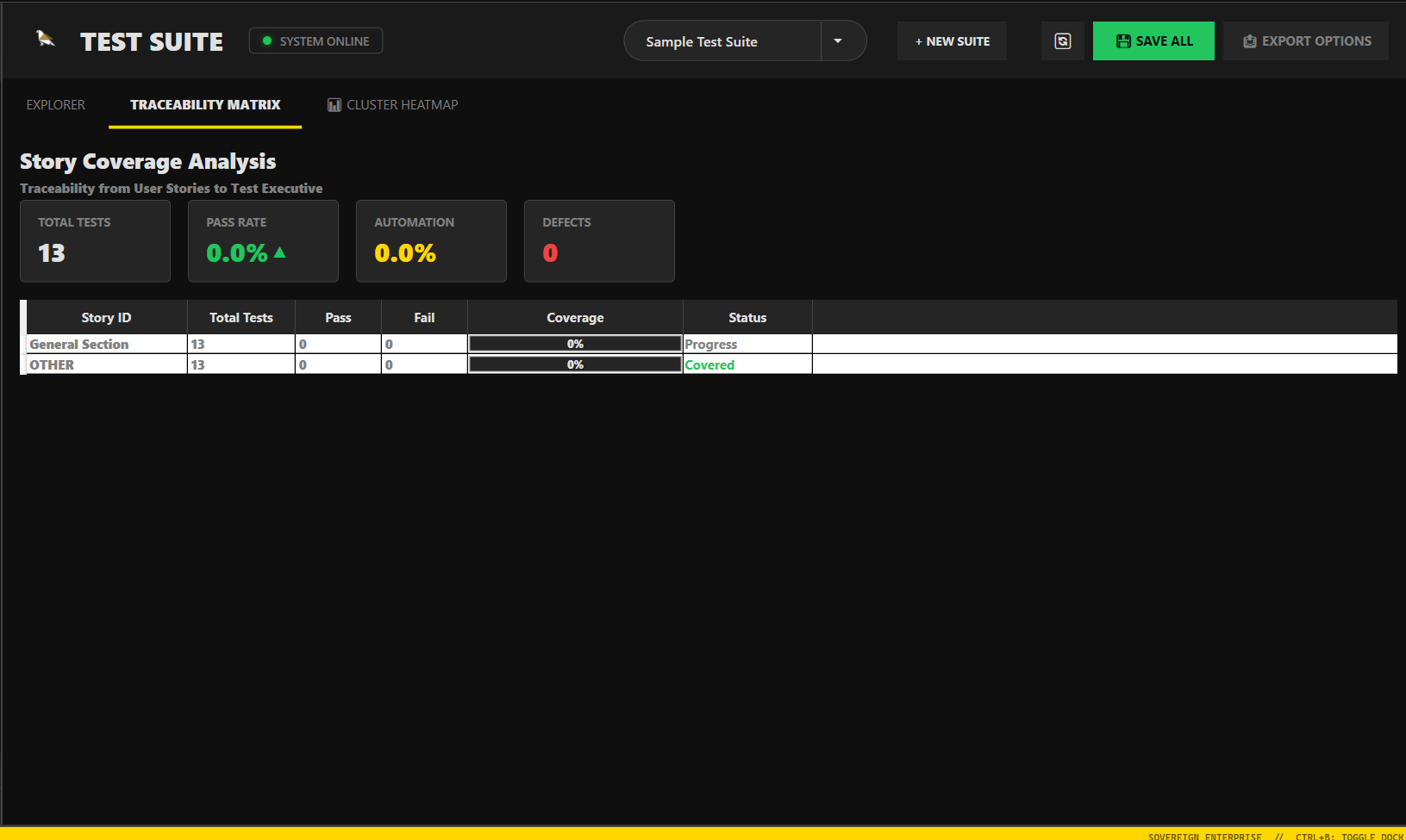
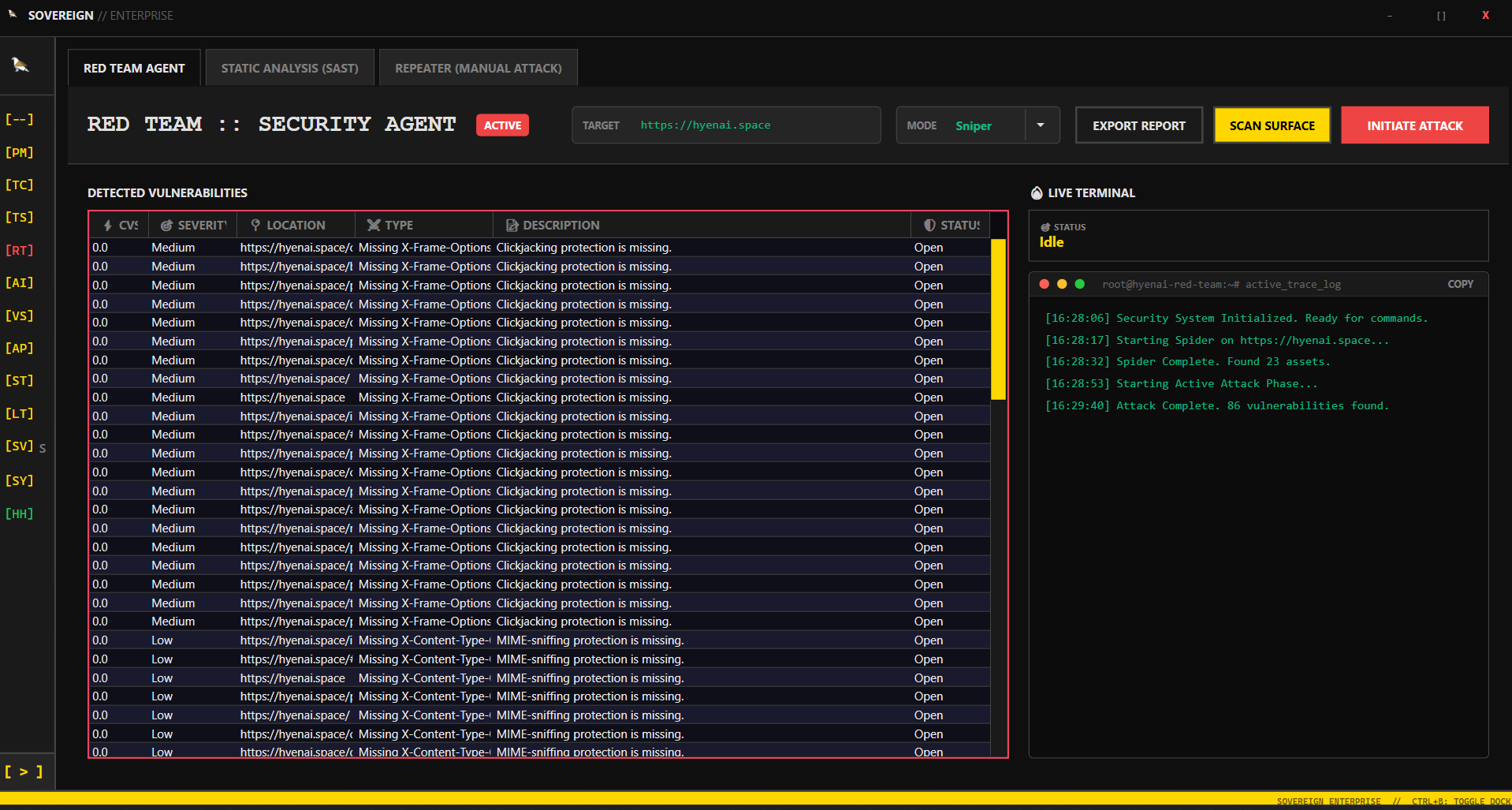
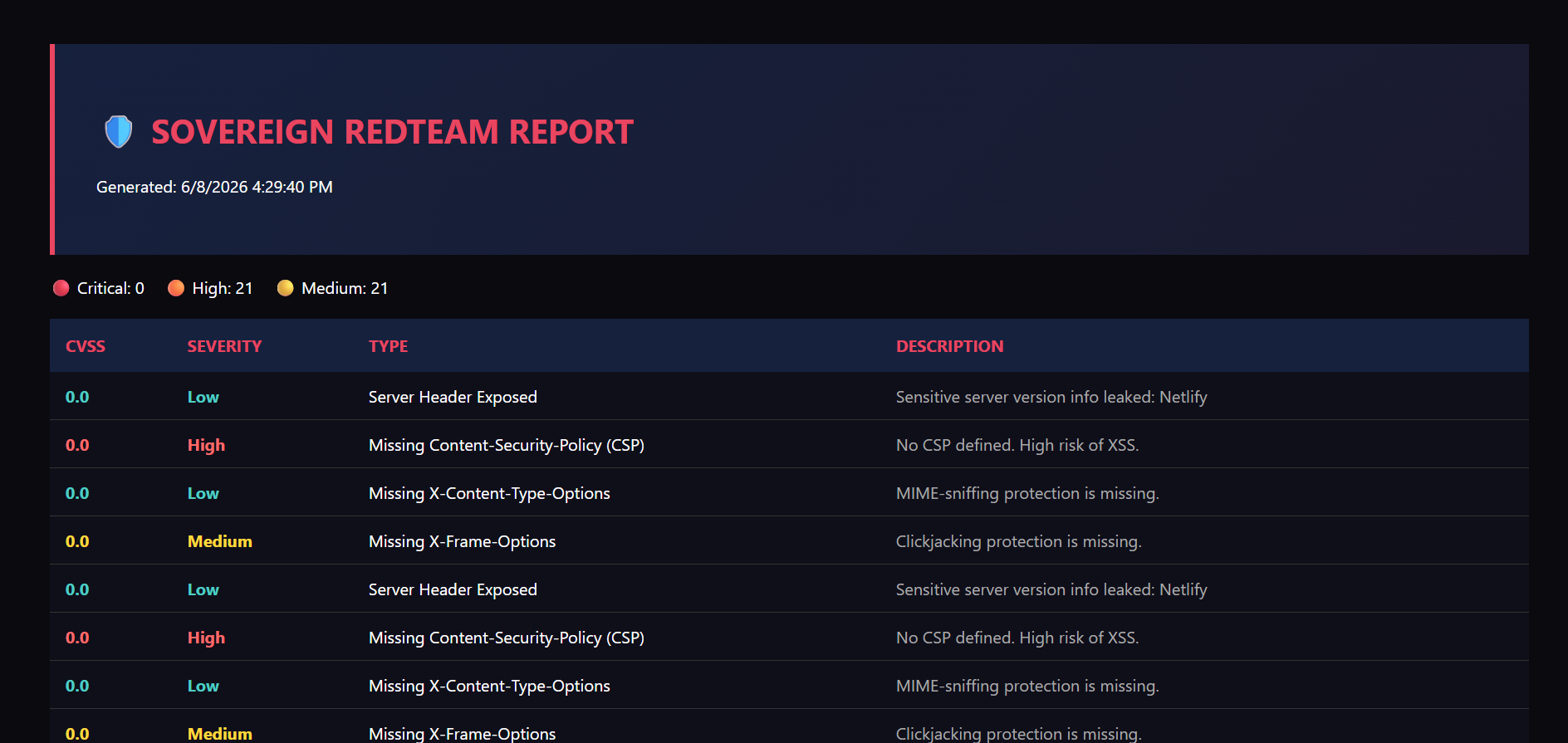
Screenshots
The product, unretouched.
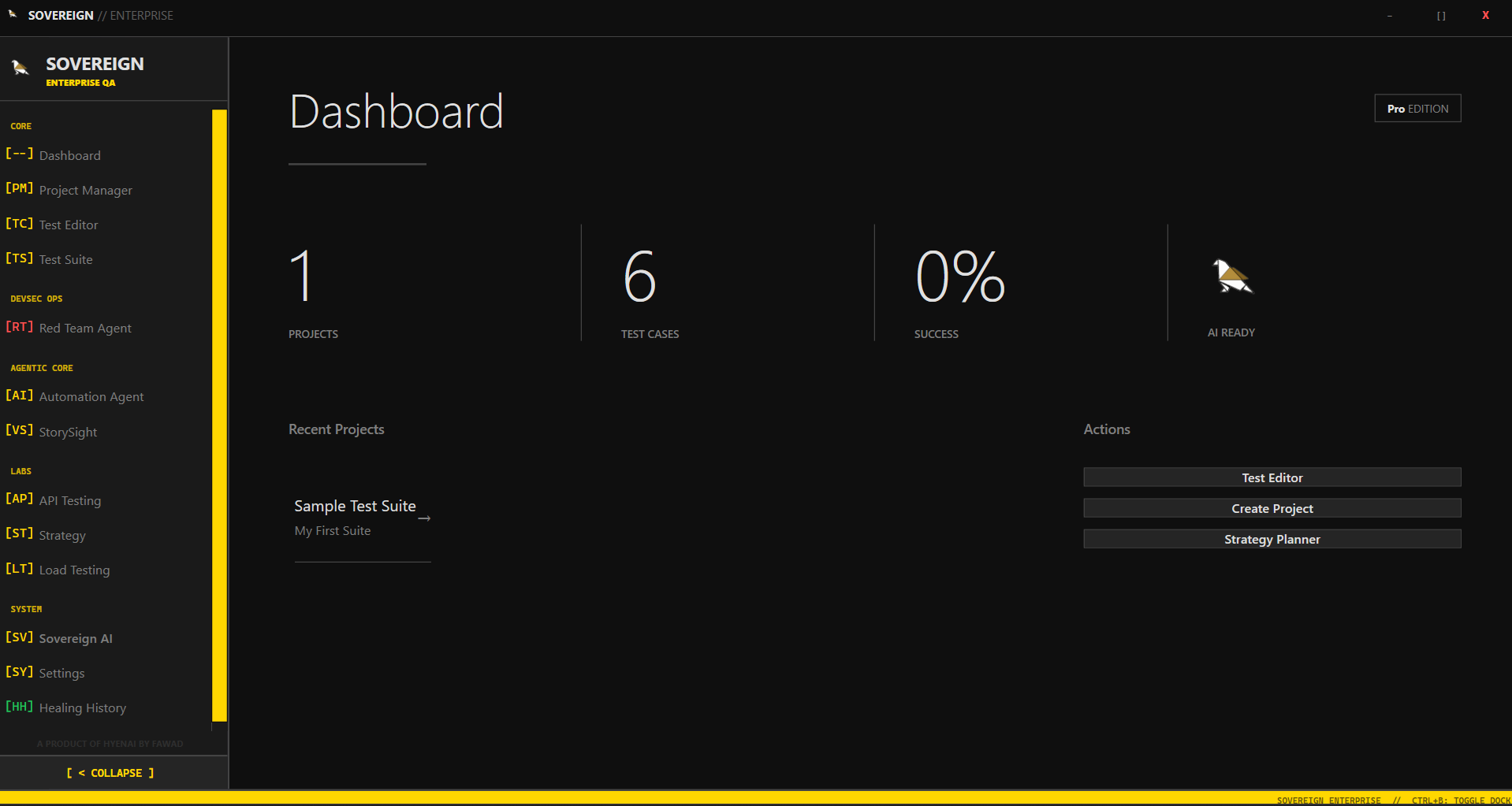
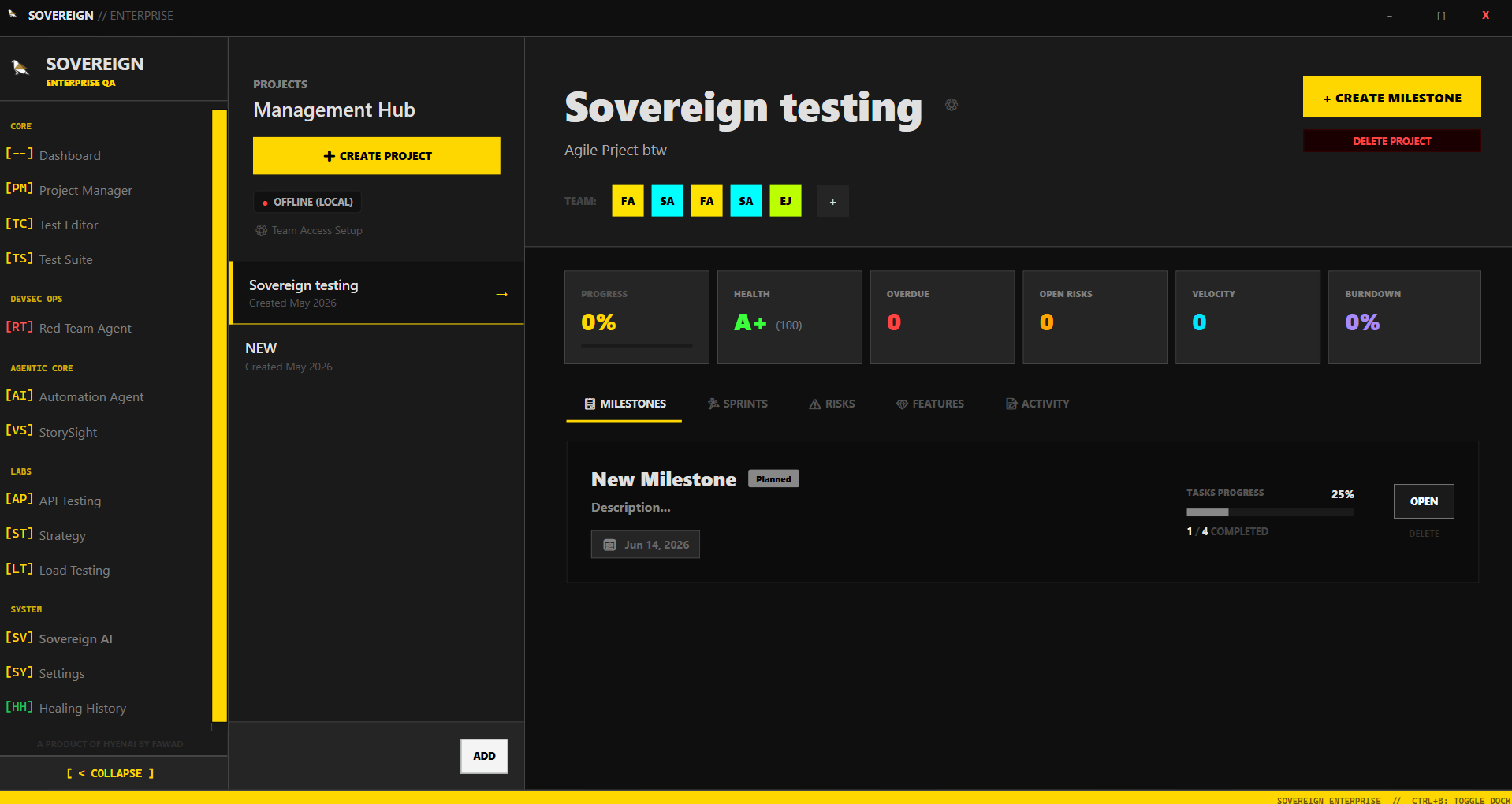
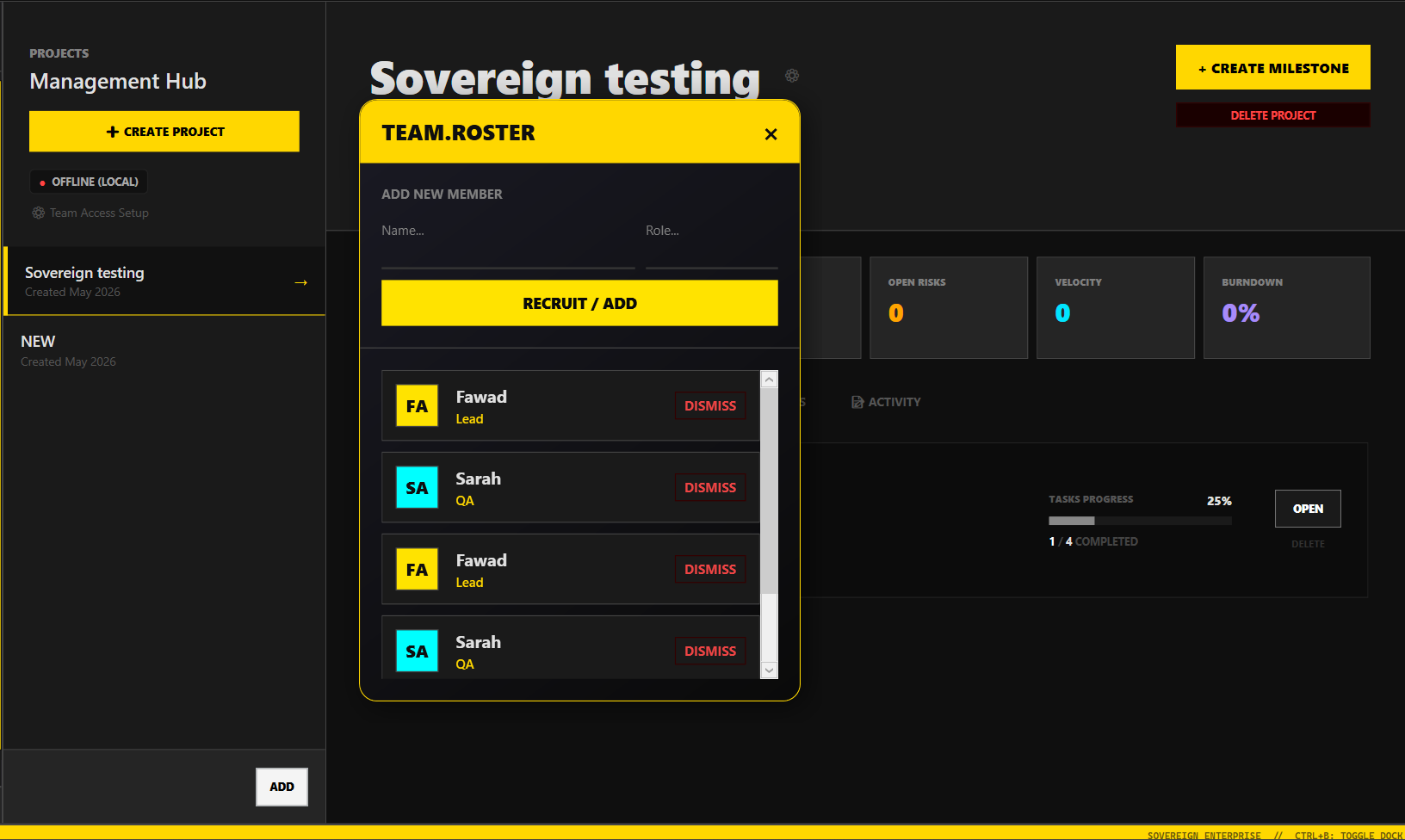
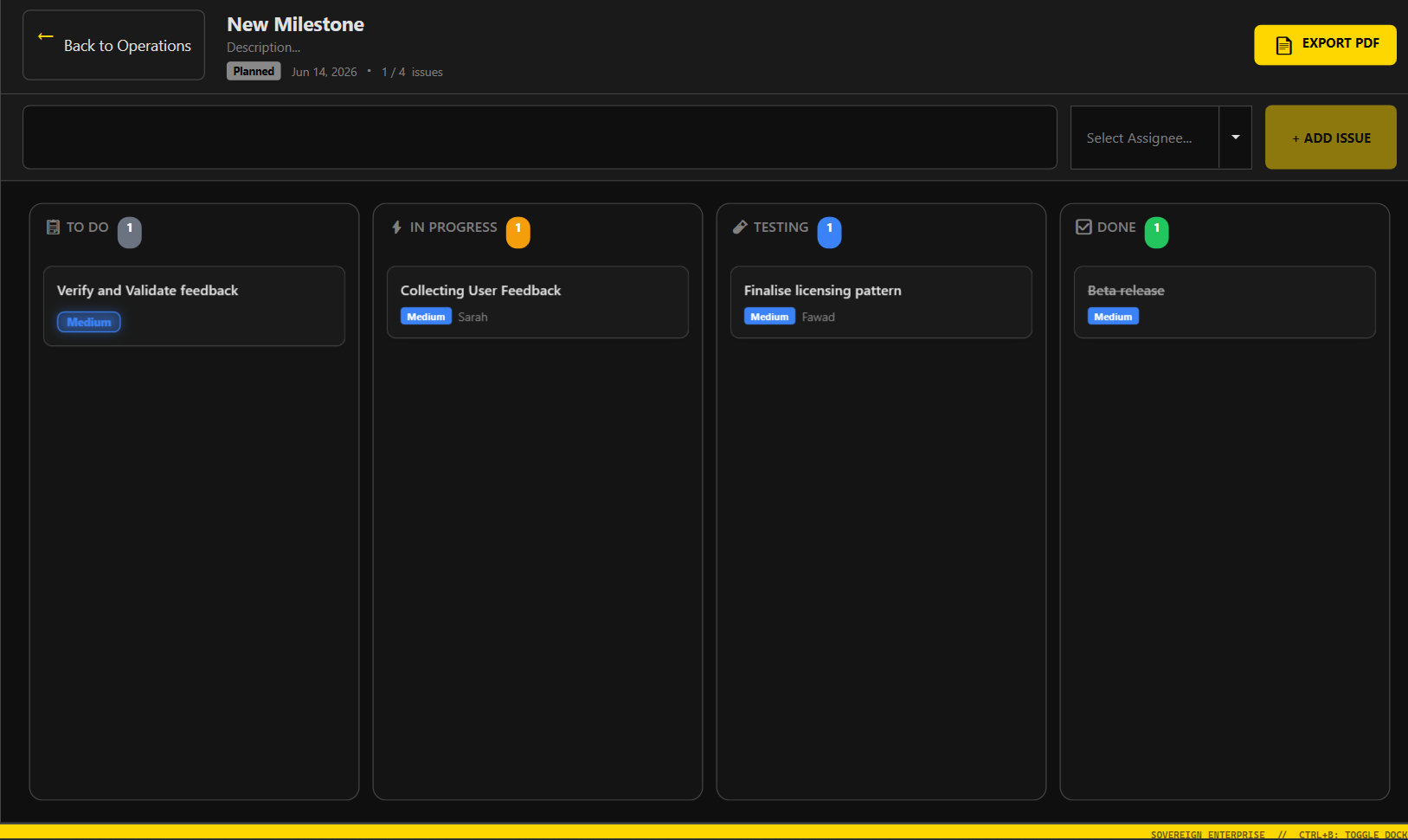
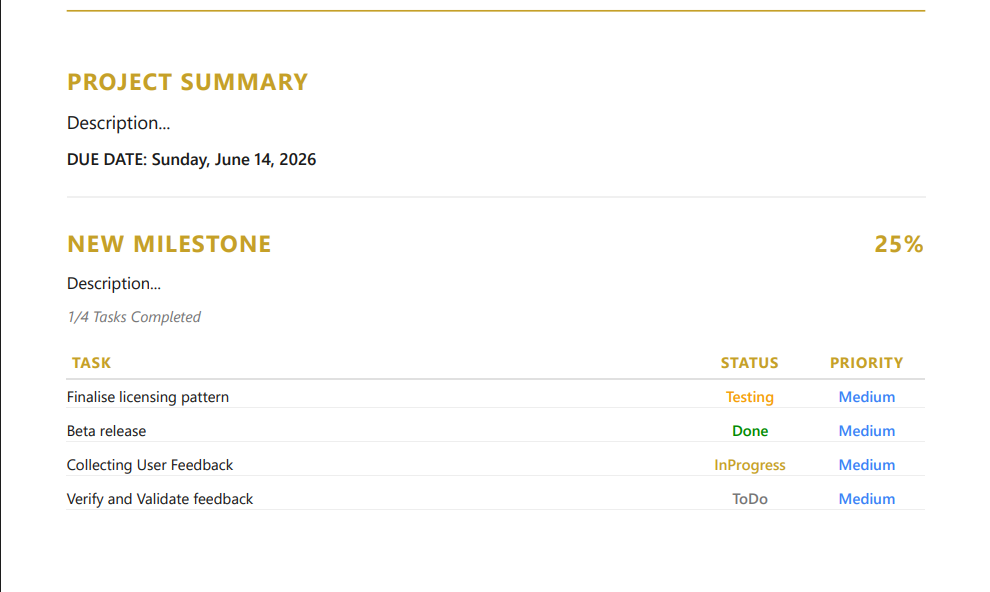
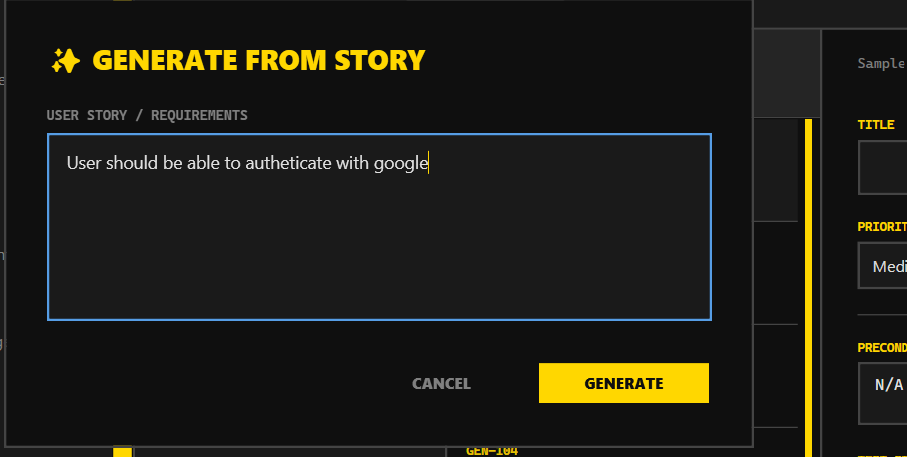
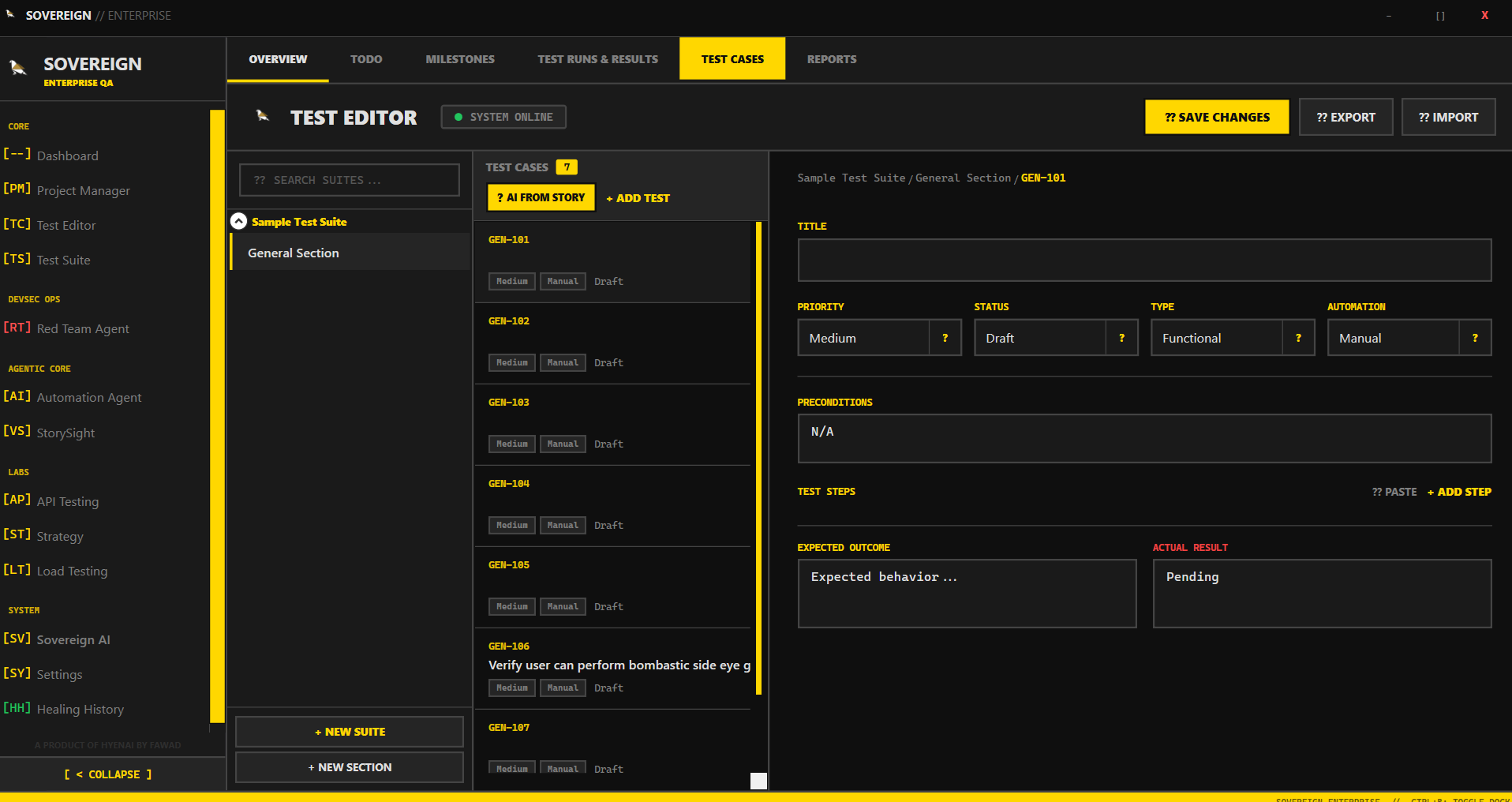
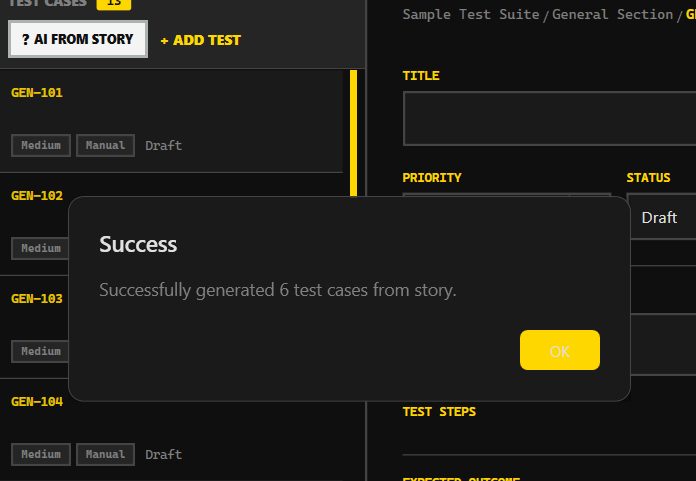
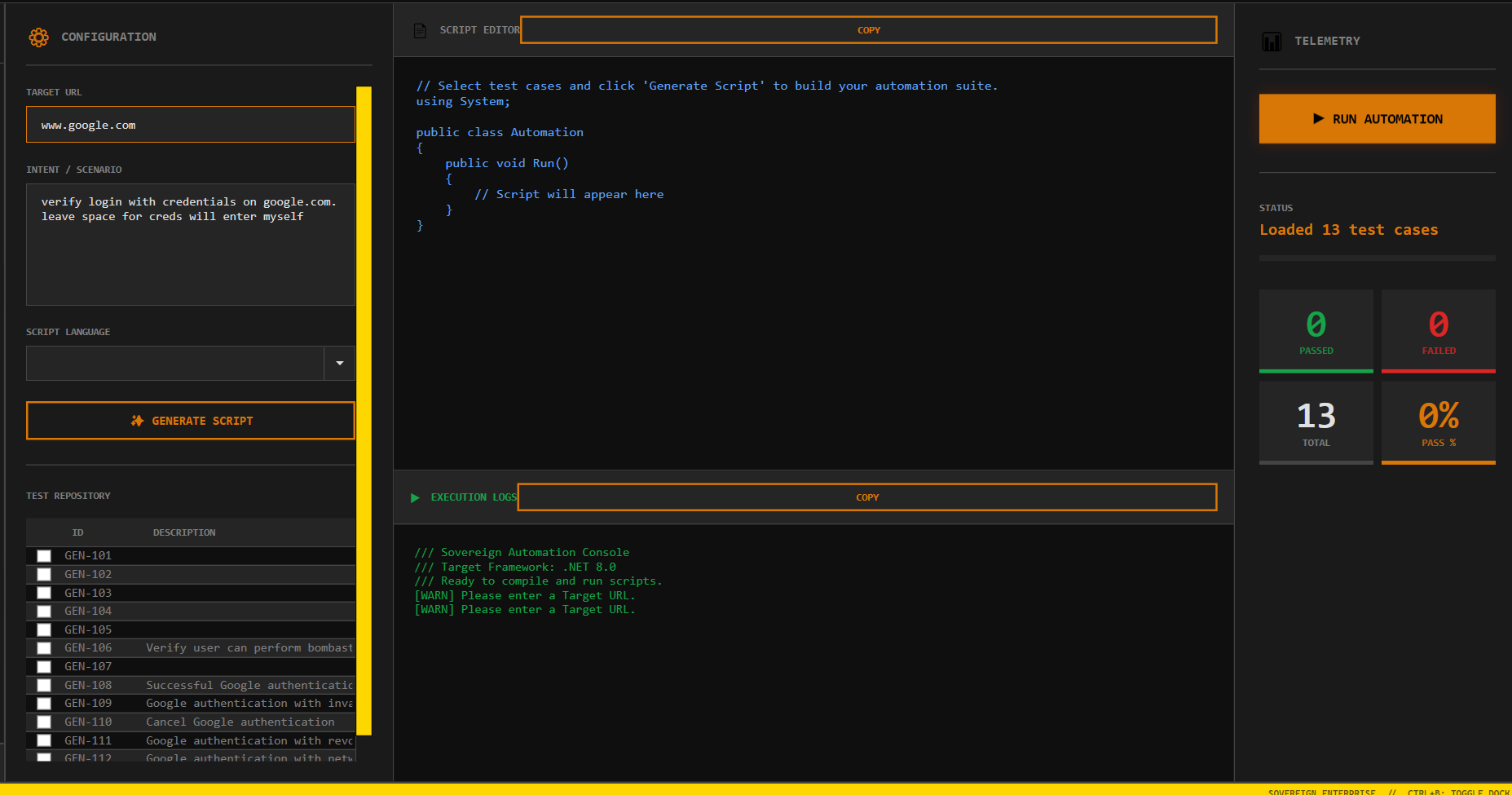
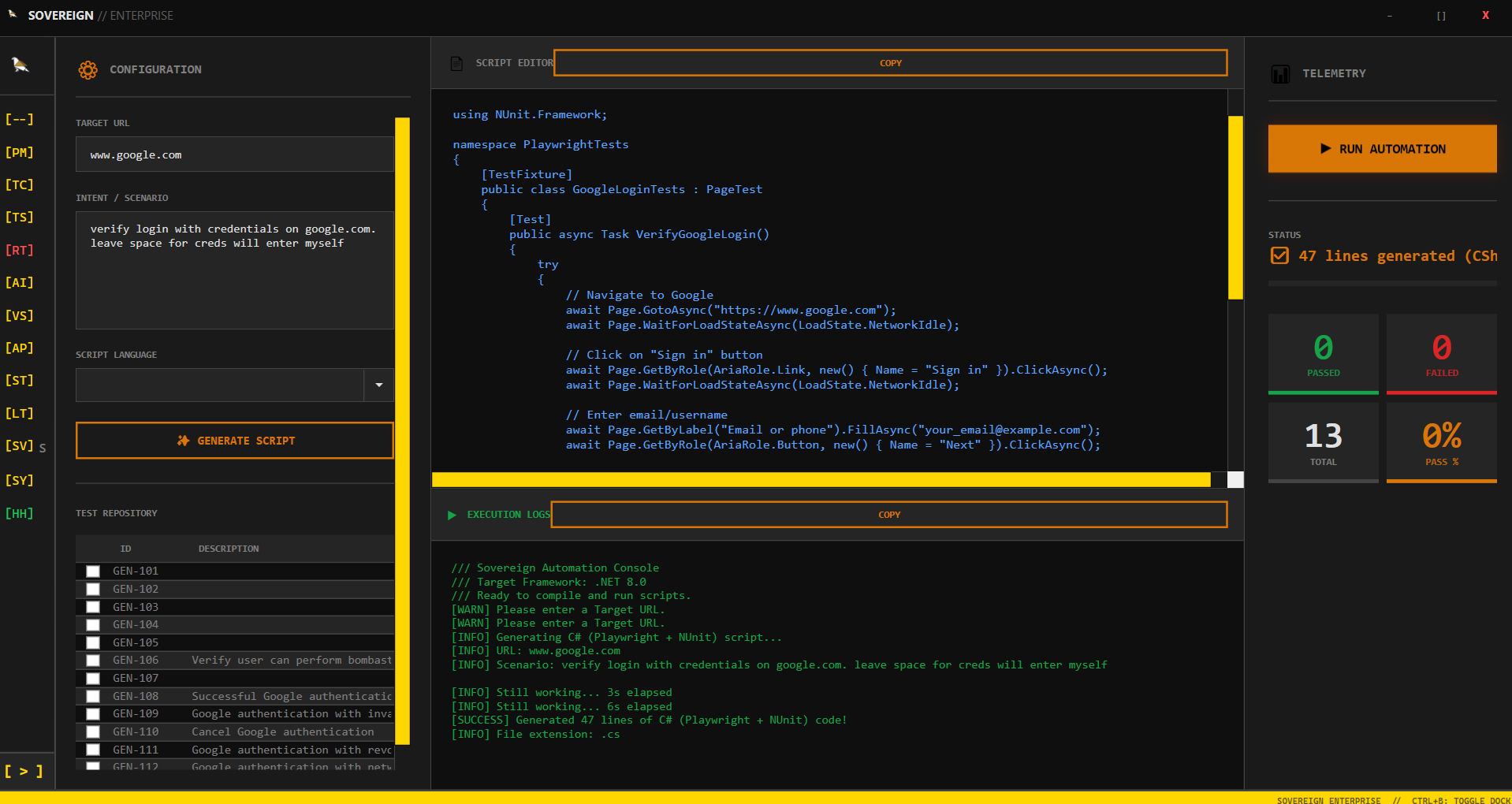
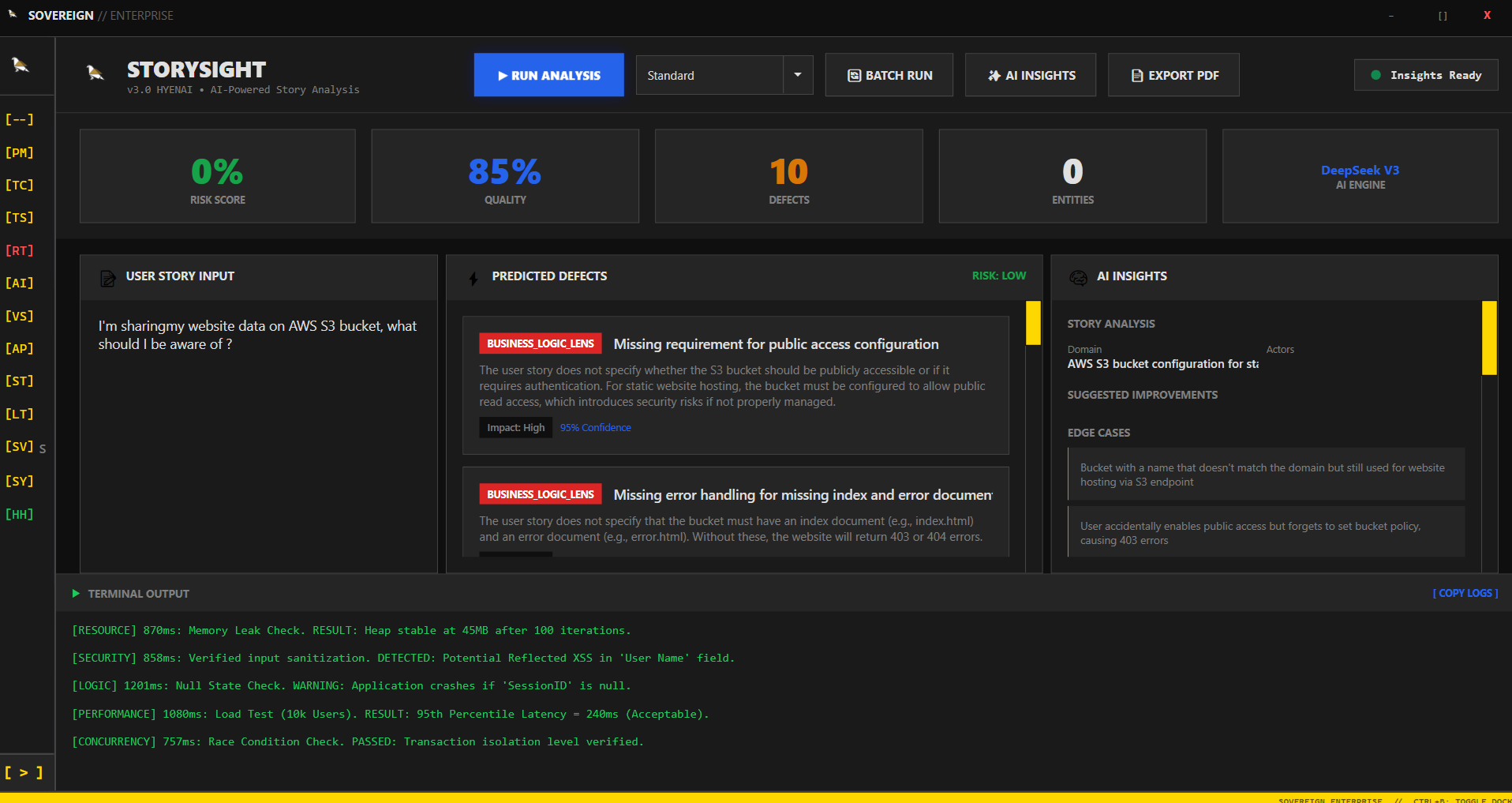
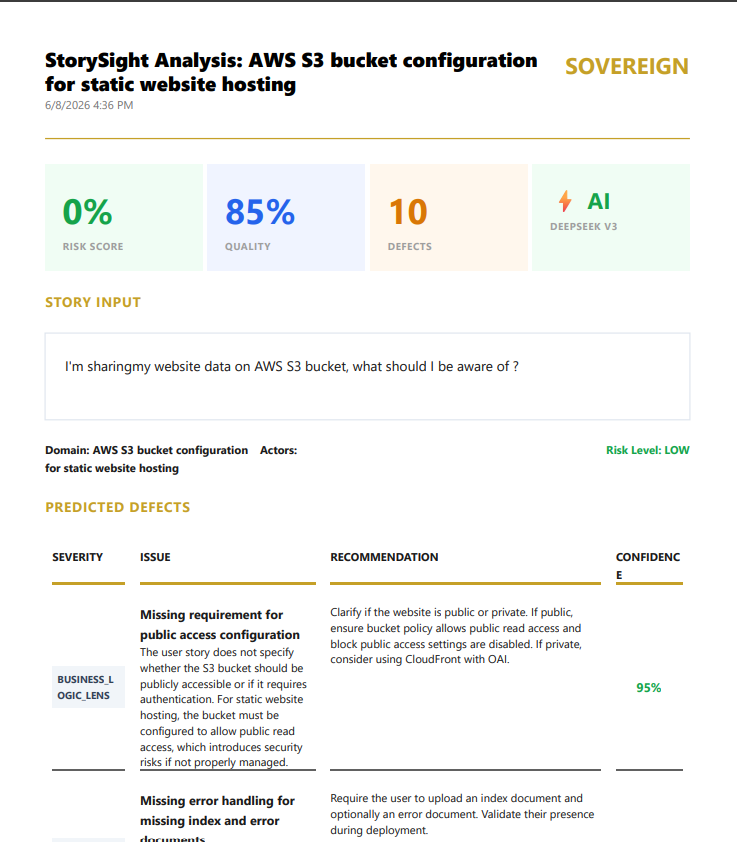
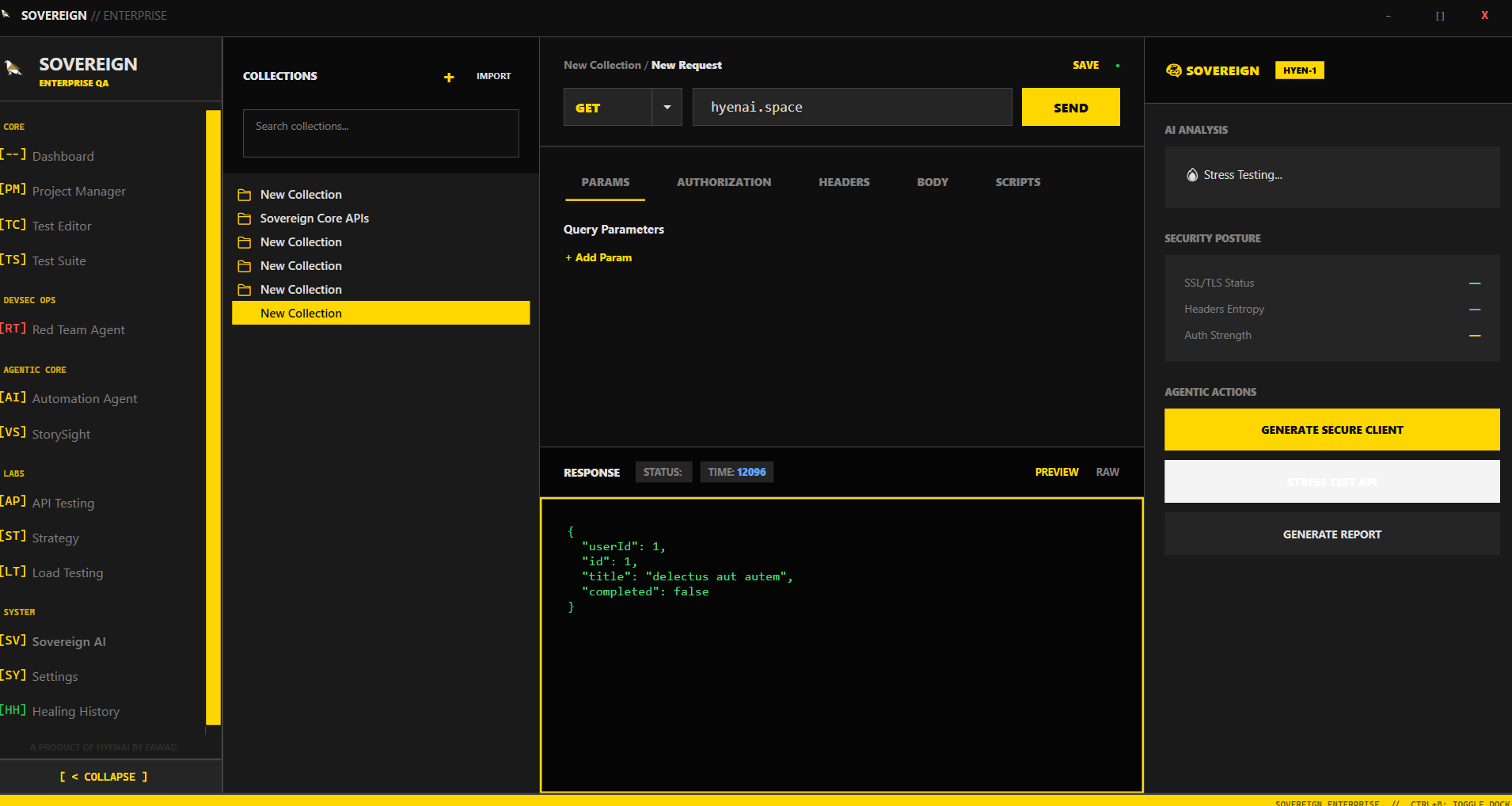
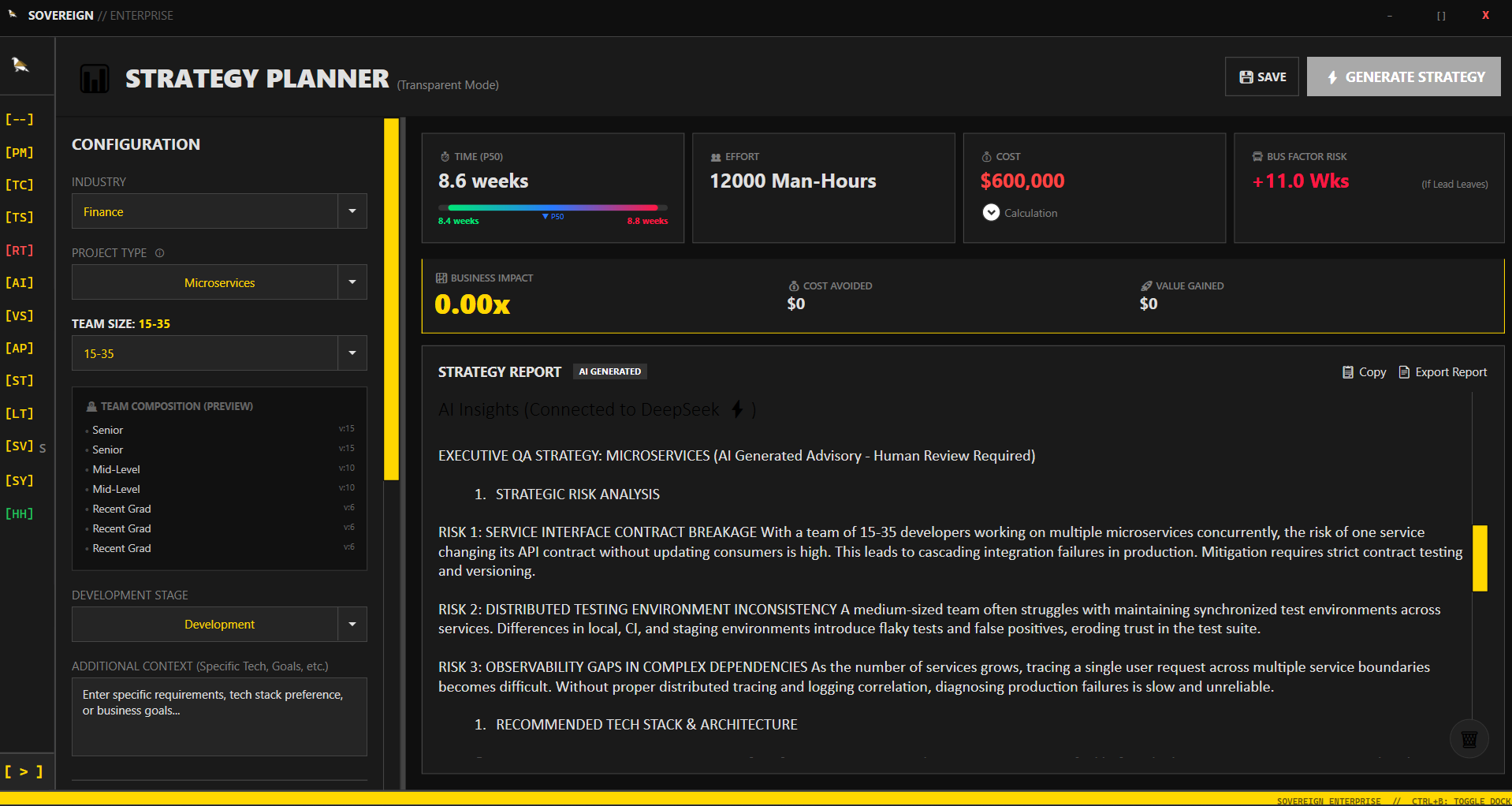
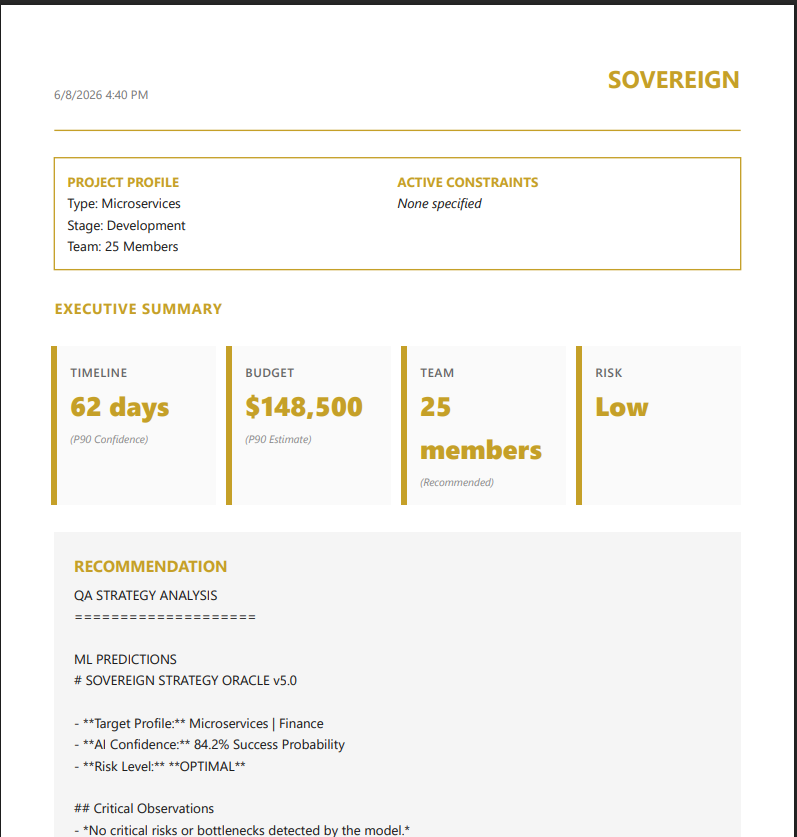
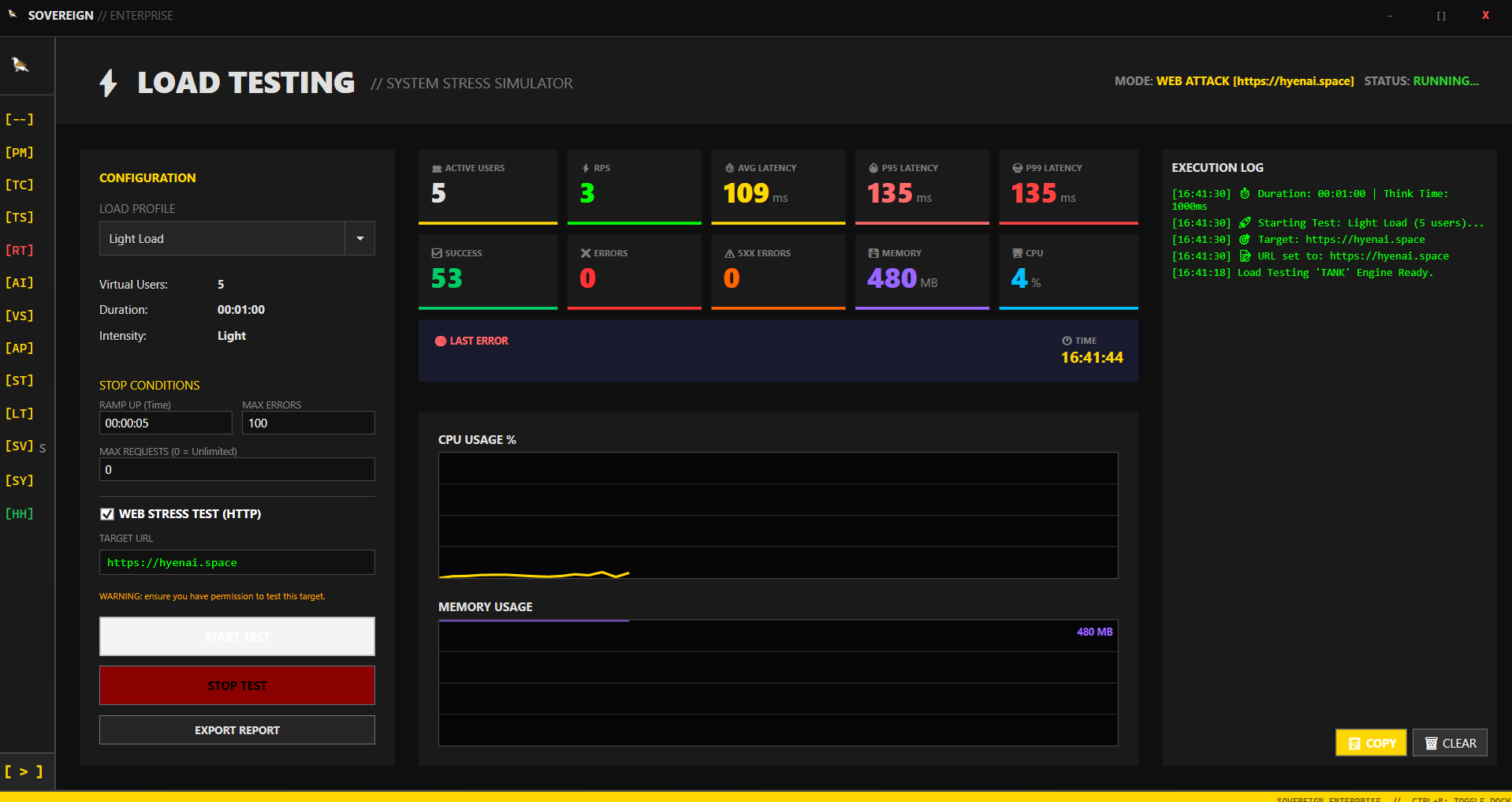
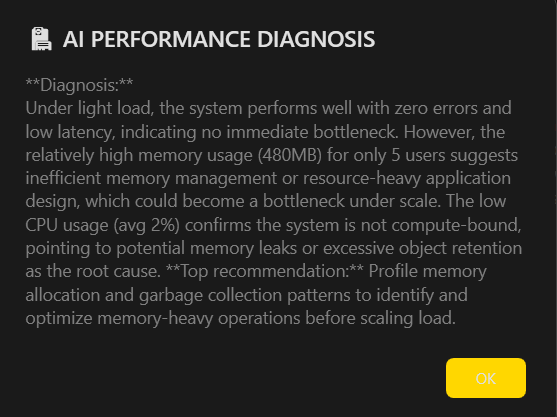
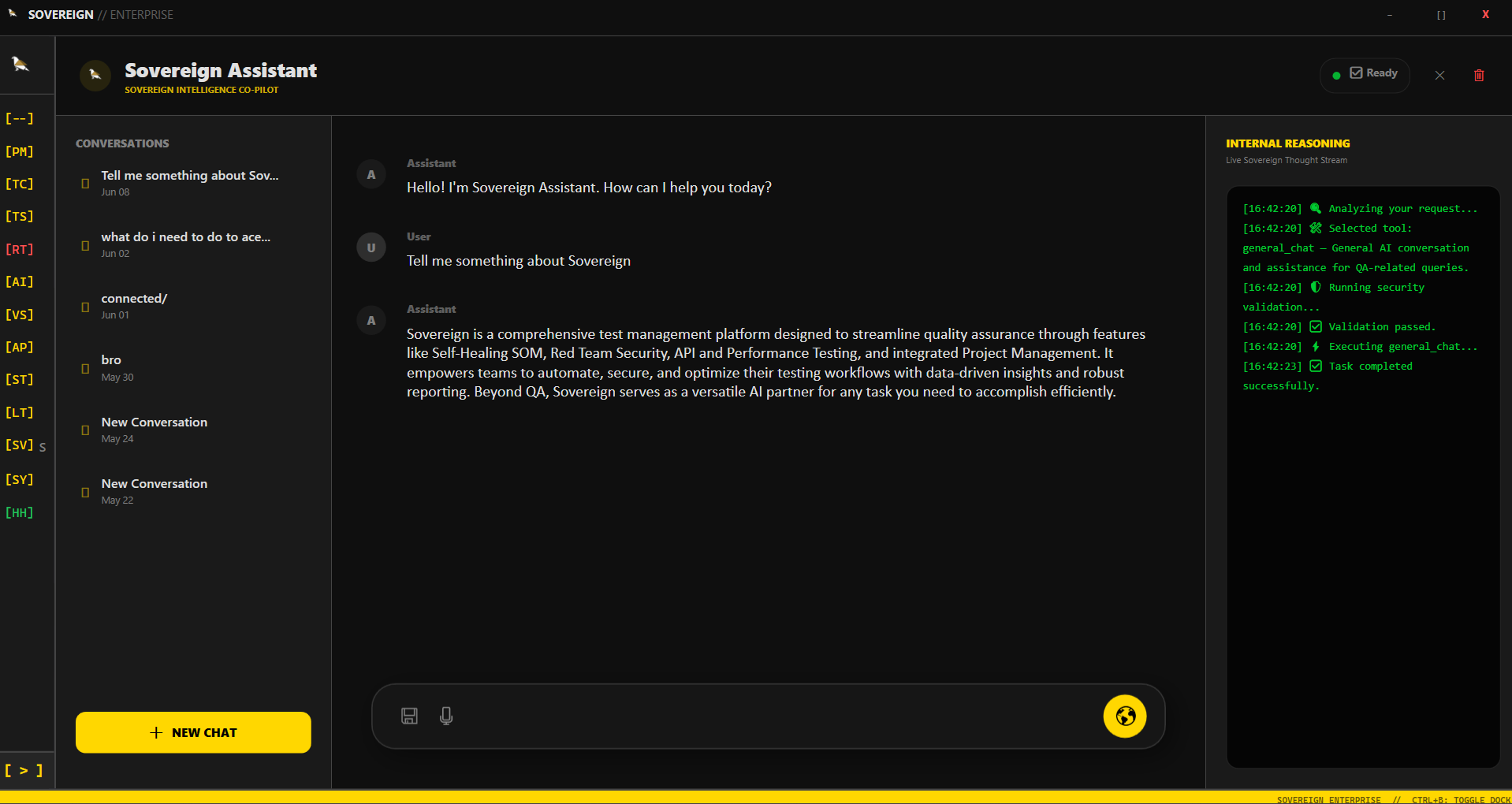
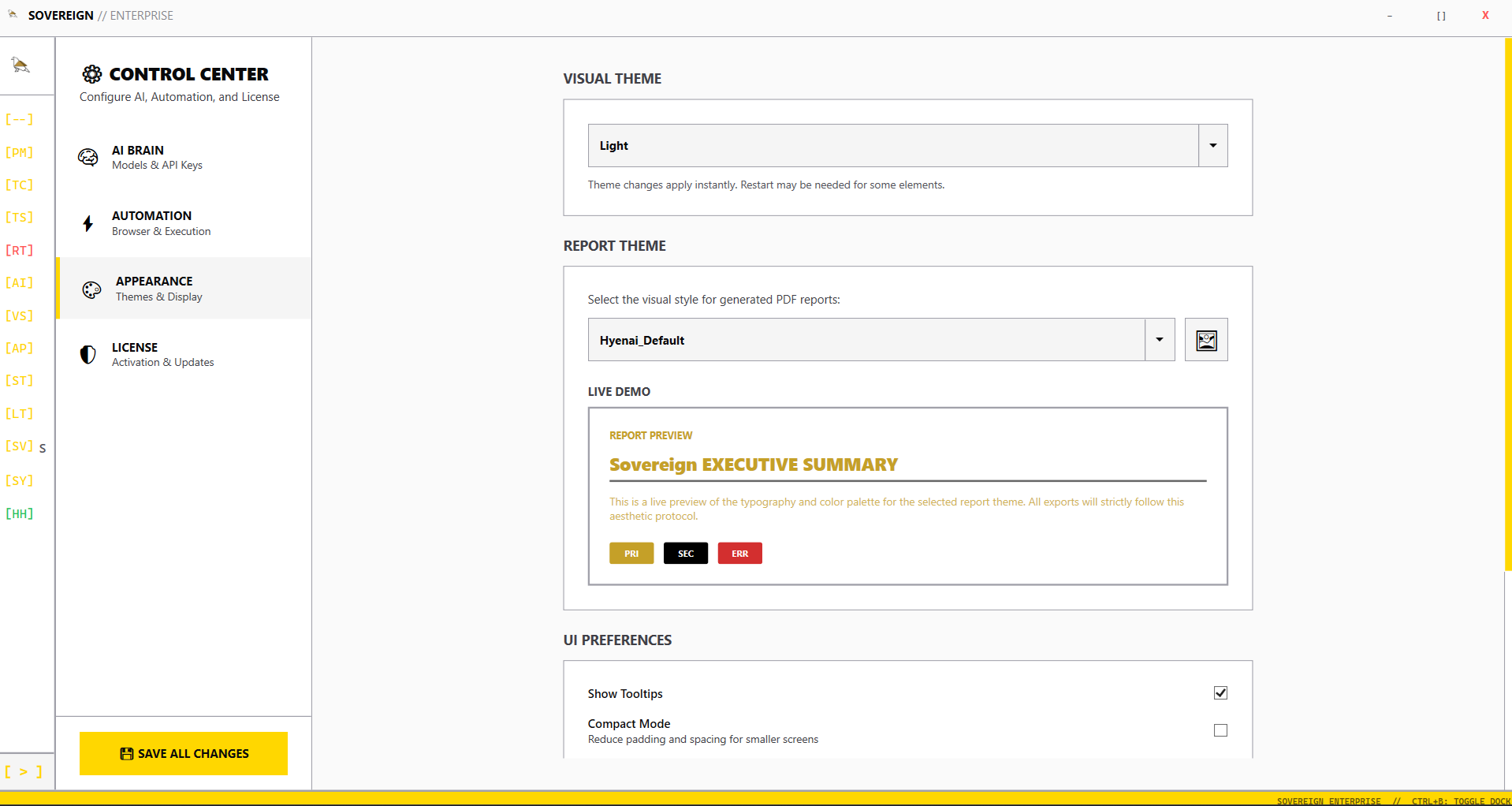
29 screenshots from the current beta, grouped by module.